In action
See it on a real desktop
Recorded from the app, running over a normal Windows desktop.

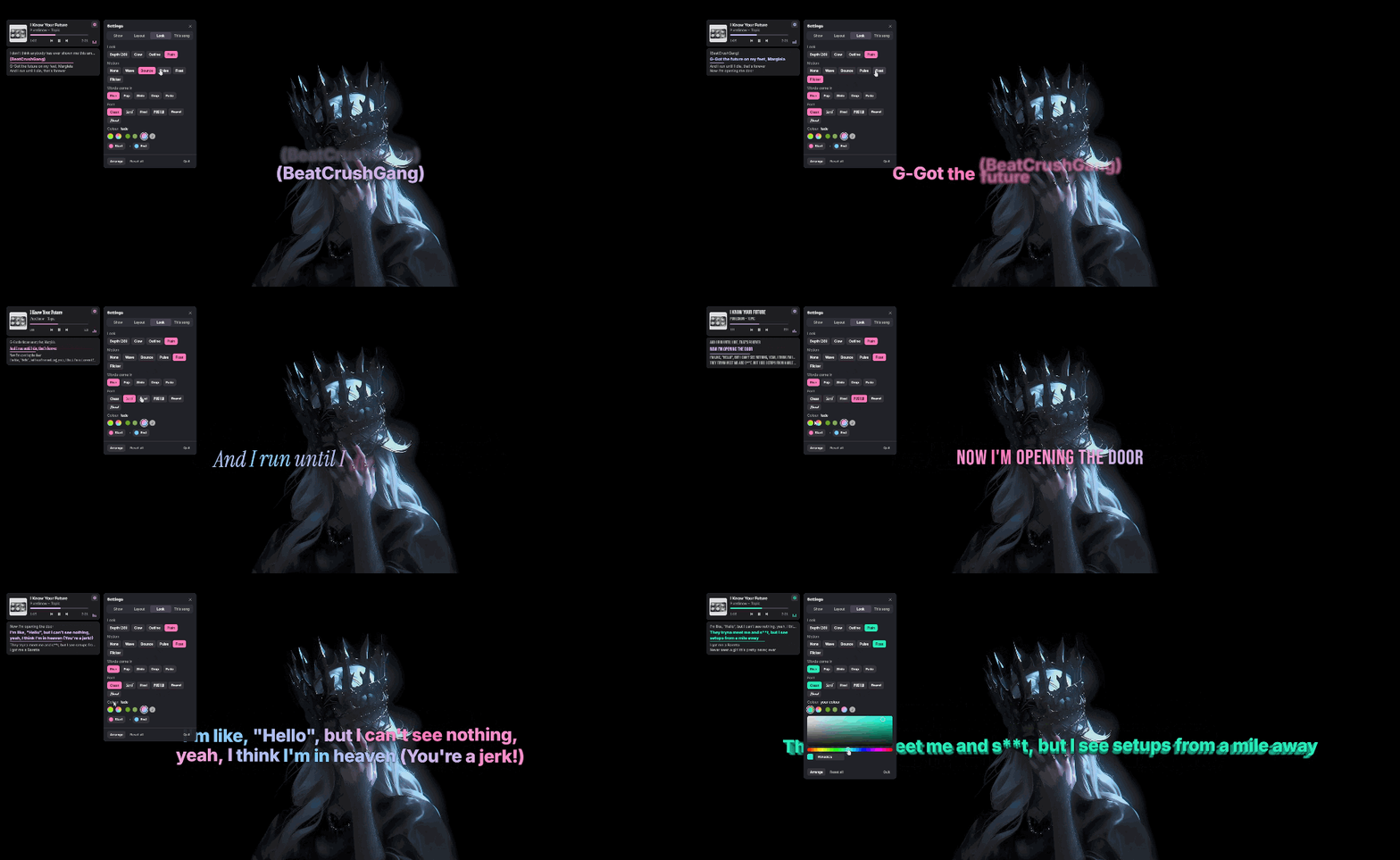
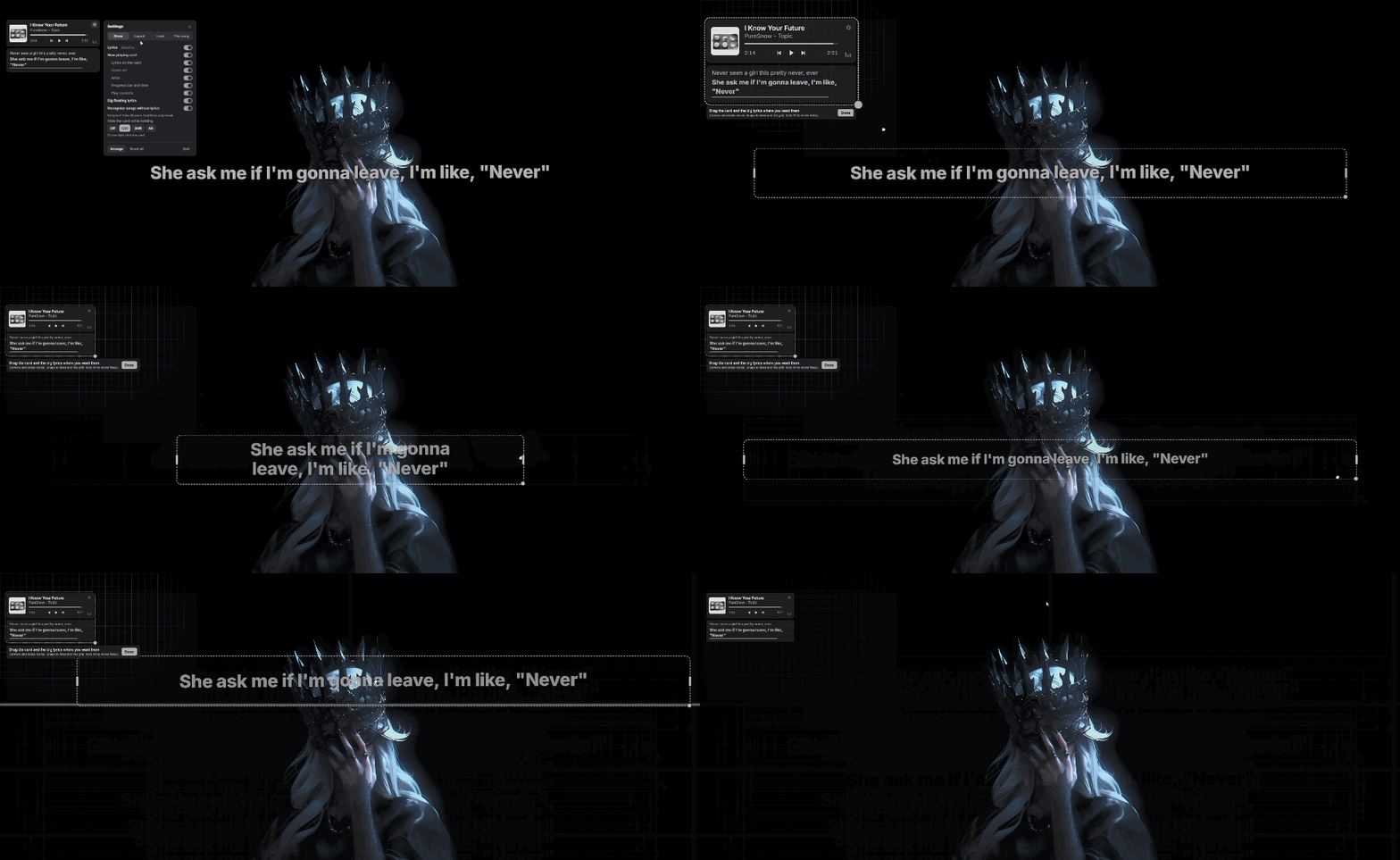
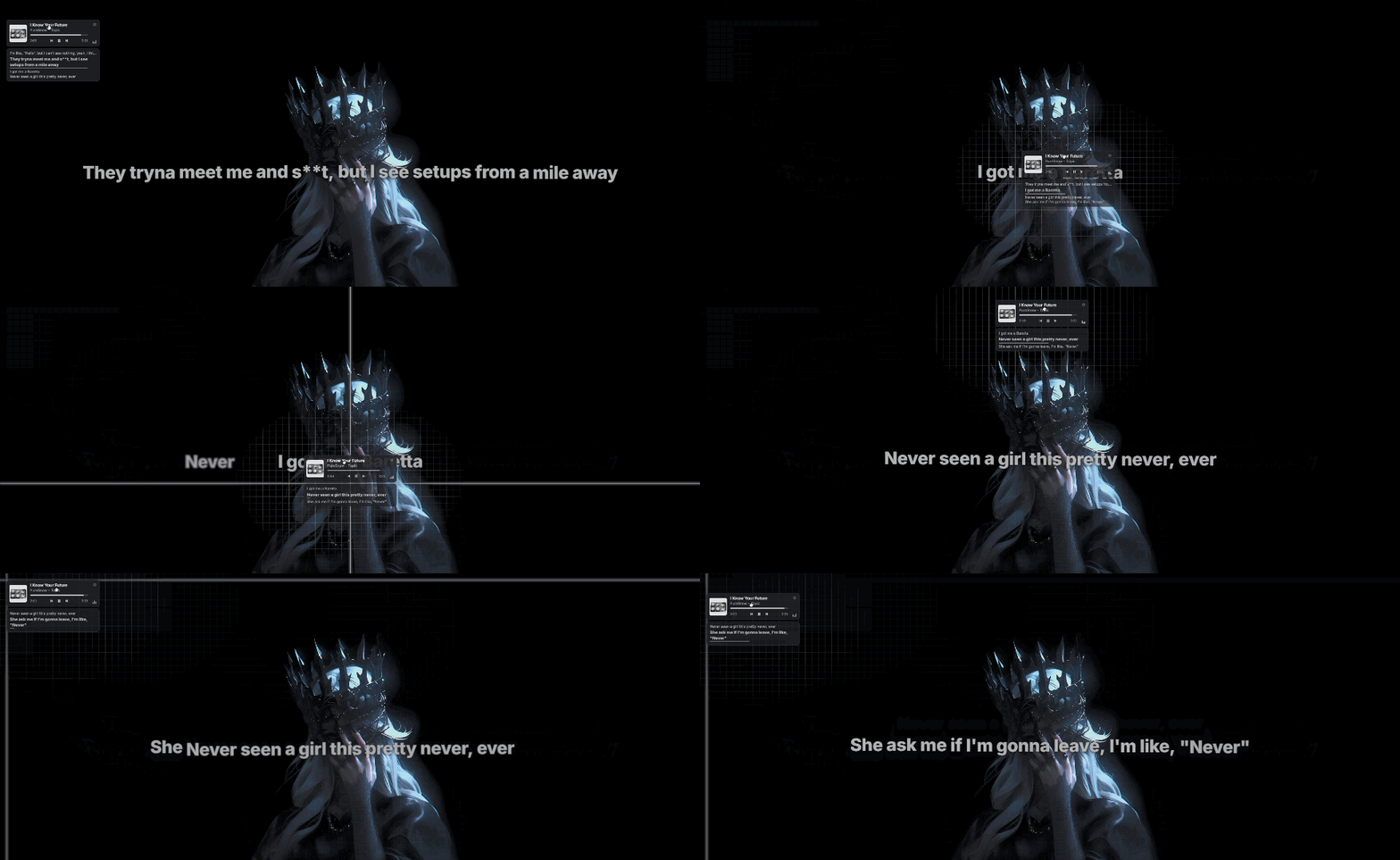
Synced, word-by-word lyrics for whatever is playing: Spotify, YouTube in your browser, or any player in Windows' media controls.
Windows 10 & 11 · No installer · Updates itself
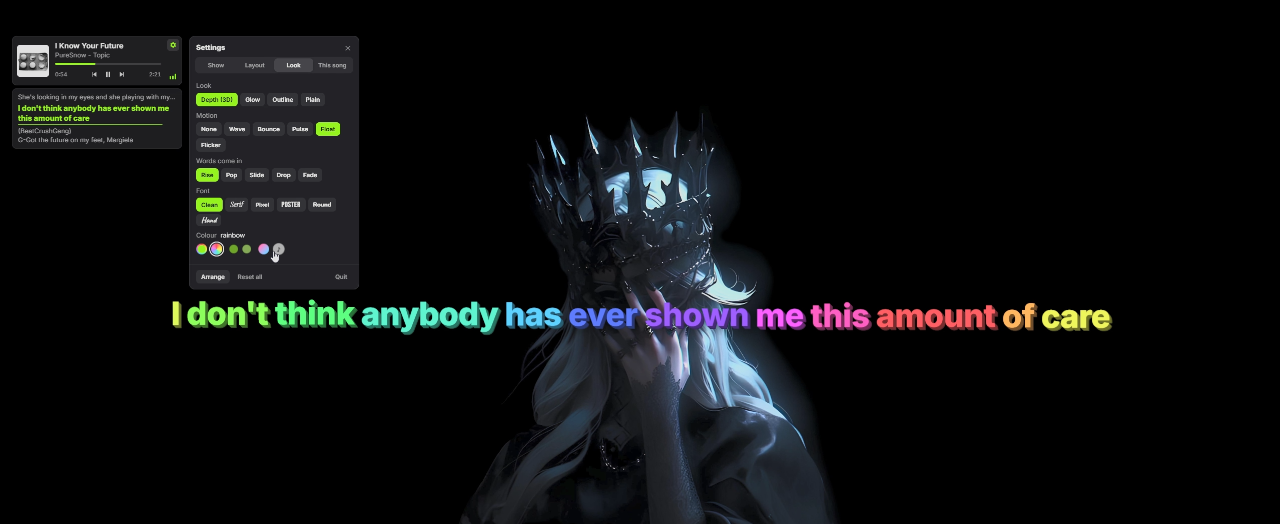
This is a web mock-up of the look settings. The real app draws them natively on your desktop.
Starts with Windows, finds the lyrics, keeps them in time, and stays out of your way.
Cover, title, controls and the current lyric line. Right-click to hide it.
Word-by-word lines. Mix looks, colours, motions and fonts.
Lyrics off? Nudge them or press Sync. Saved per song.
Messy video title? It listens and works out what's playing.
Lyrics are saved, so songs load instantly, even offline.
Clicks pass through to the apps underneath.
One 13 MB file, written in Rust, drawn with DirectX 12.
One click to update. No installer.
Recorded from the app, running over a normal Windows desktop.
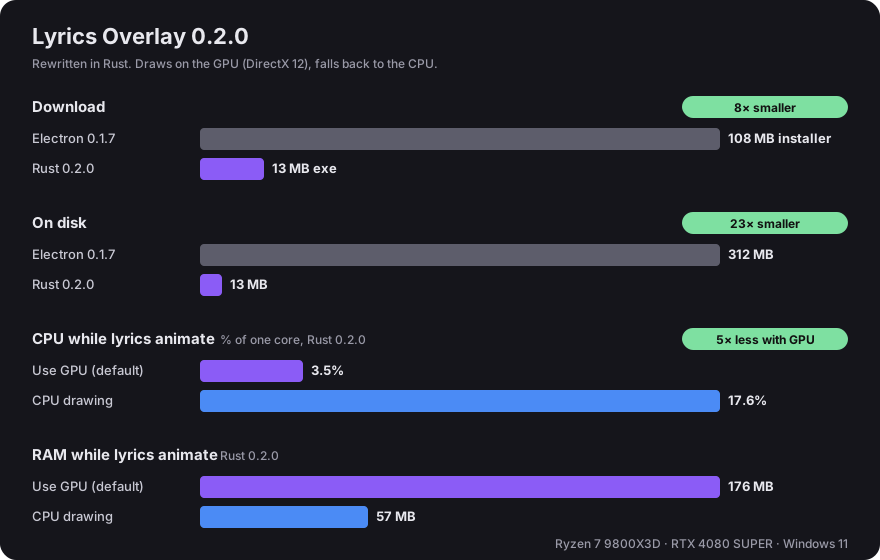
Version 0.2.0 rewrote the Electron app in Rust. Drawing on the graphics card uses about 5× less CPU while lyrics move. Prefer low memory? Turn off Use GPU.
Needs Windows 10 or 11.
Grab lyrics-overlay.exe from the latest release.
Keep it somewhere you can write to, like %LOCALAPPDATA%\Programs\Lyrics Overlay, so it can update itself.
Double-click, then play a song. Right-click the exe → Pin to Start to find it later.
| Ctrl Alt L | Show or hide lyrics |
| Ctrl Alt S | Sync: press the moment the line on screen is sung |
| Ctrl Alt ↑ / ↓ | Lyrics earlier / later by 0.25 s |
| Ctrl Alt O / P | Next / previous lyrics version |
| Ctrl Alt M | Arrange: drag and resize the card and the lyrics |
| Right-click the card | Hide it to click what's under it |
The app only talks to the services it needs to find lyrics and covers.